All articles
Website audit8 min read · October 24, 2026

Website Audit Checklist: What's Stopping Your Site From Selling

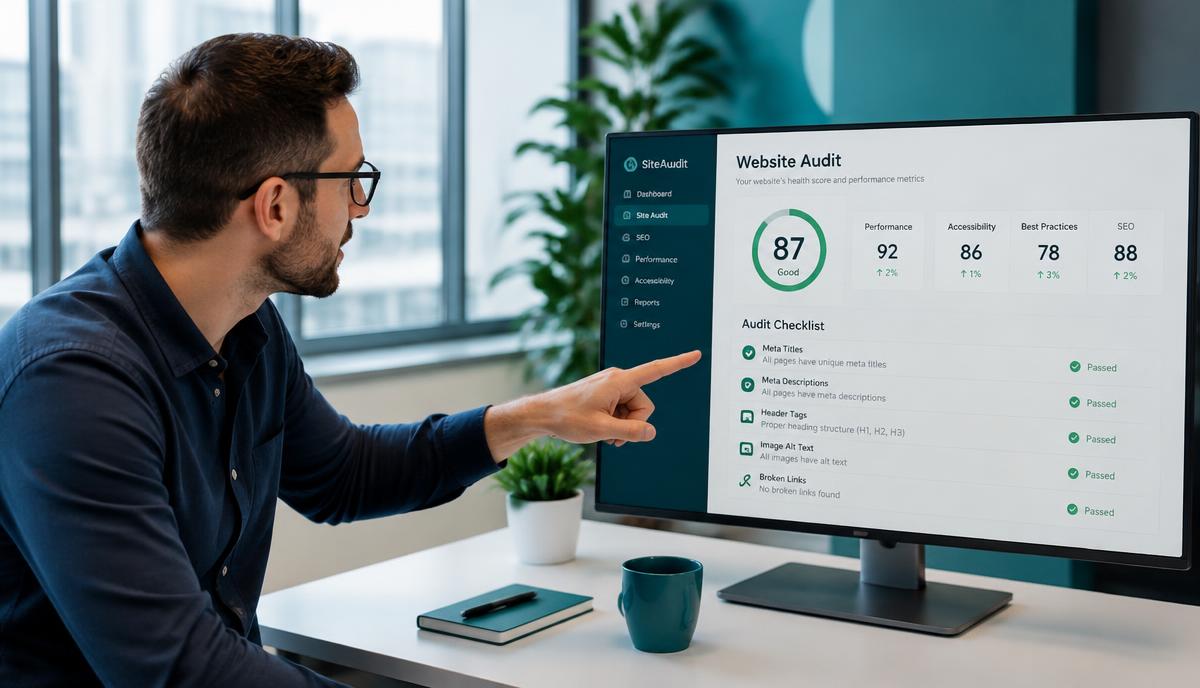
A 20-point website audit across SEO, conversion, technical health and content — with the fix for each gap and how to score your own site in minutes.

Website Audit Checklist: What's Stopping Your Site From Selling
Quick answer

Check four areas: SEO (title, description, one H1, schema, sitemap), conversion (clear call to action, contact details, booking, live chat, reviews), technical (https, mobile layout, speed, broken links) and content (blog, service pages, location pages). Fix the highest-impact gaps first.

A website can look fine and still lose most of its visitors. An audit shows where they leak.

1. SEO

  • Unique title under 60 characters
  • Search description of 120–160 characters
  • One H1
  • Structured data
  • Sitemap and robots.txt
  • Alt text on images

2. Conversion

  • A clear call to action above the fold
  • Visible phone or email
  • Online booking
  • Live chat or a voice assistant
  • Reviews and case studies

3. Technical

  • https everywhere
  • Mobile-ready layout
  • Loads in under 2.5 seconds
  • No broken links

4. Content

  • A blog that answers buyer questions
  • One page per service
  • Location pages for the areas you serve

Every Prospectly scan includes this health report with the fix for each gap — SEO, website design or an AI chat assistant.

Frequently asked questions

How long does a website audit take?
A manual audit takes a few hours. Prospectly's website health report runs automatically with every scan in about a minute.
What score is good?
75/100 or above is good. 50–74 needs improvement. Below 50 usually means the site should be rebuilt.
What should I fix first?
Anything that stops a ready buyer from acting: no call to action, no contact details, no booking and a slow mobile experience.
Explore more for Website audit teams

See every playbook, case study and comparison written for Website audit on the MAZ Assist blog.

Want to see this in action on your site?

Spin up a MAZ Assist workspace, drop the embed snippet on your homepage, and you have a multilingual voice AI in minutes.

Recommended next
Keep reading