How it works
See how your AI employees work, end to end
Two short walkthroughs. They are silent and captioned on screen, so you can watch them anywhere — no sound needed. Every step below the video is written out as well.
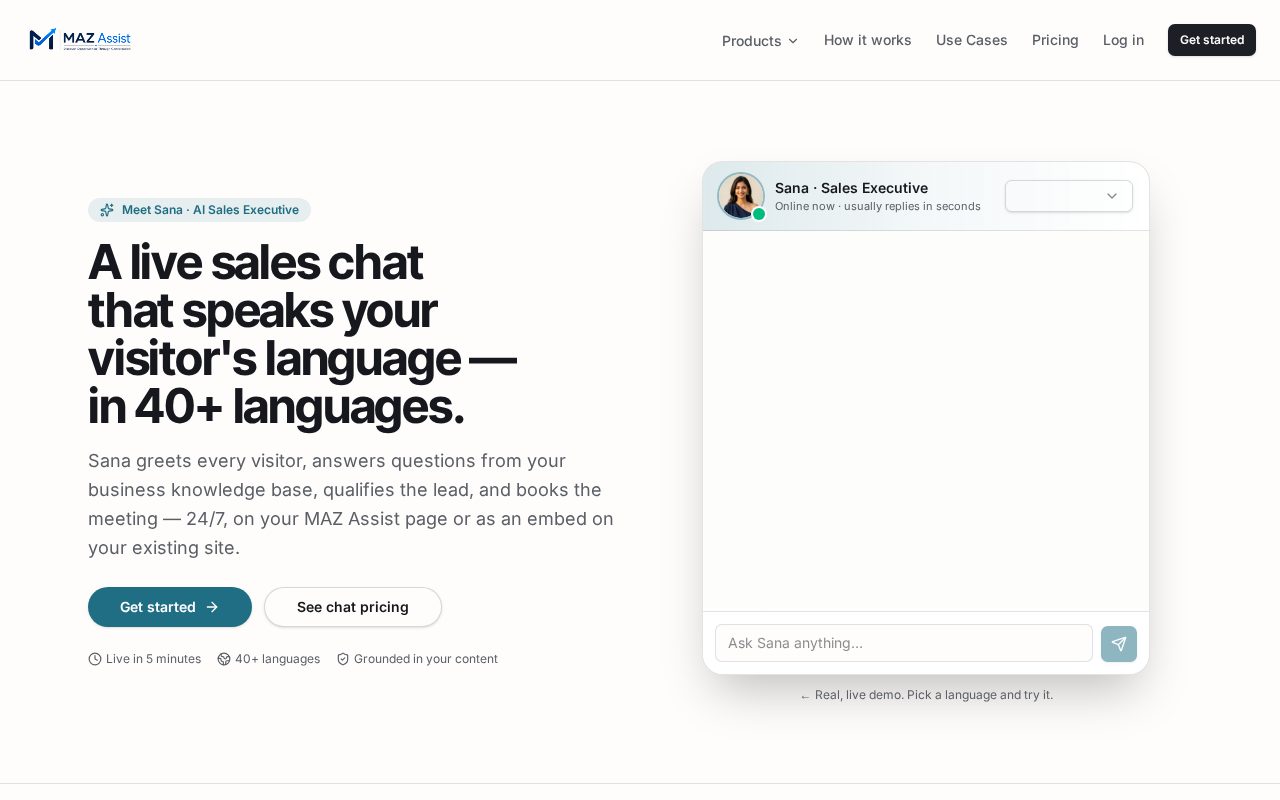
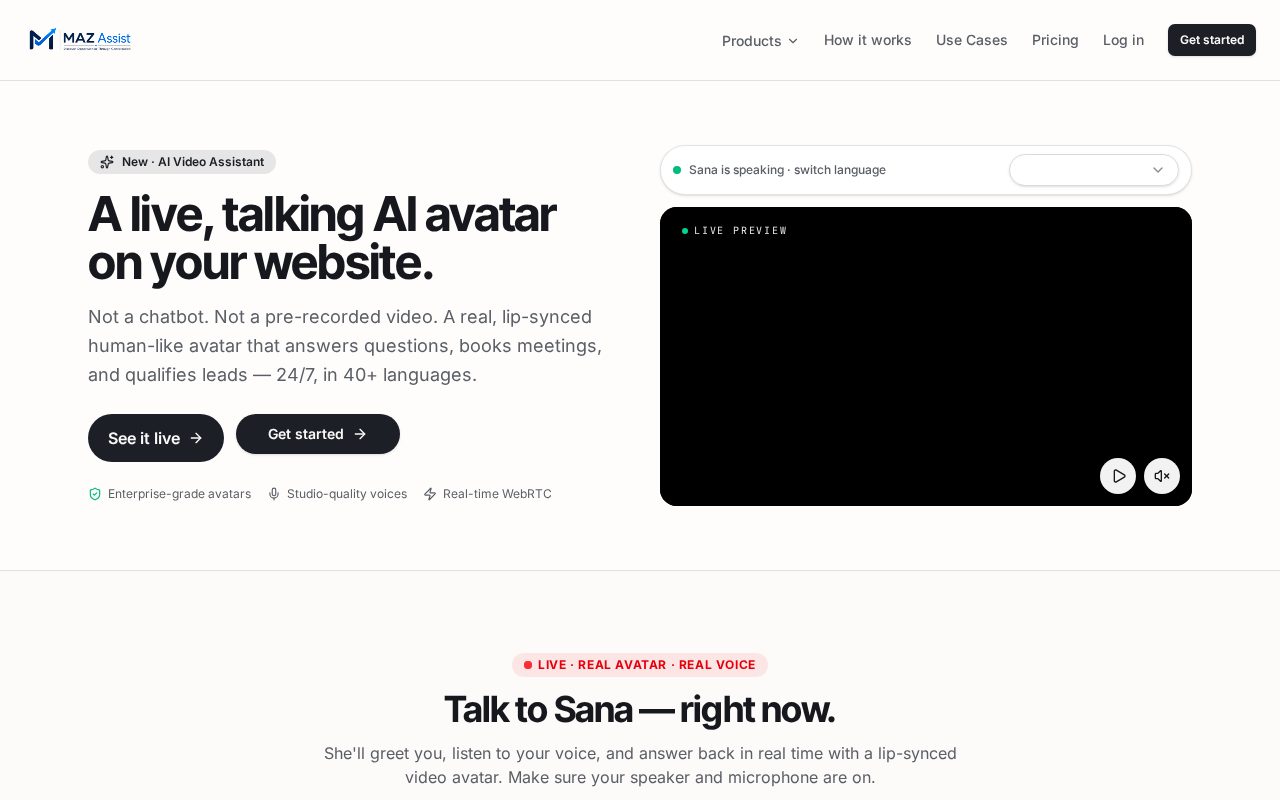
AI Sales Employee
From signup to a live voice assistant answering visitors on your own website — the complete setup, captioned and silent.
Silent walkthrough · all narration appears as on-screen text · full written steps below.
- 1Sign up for MAZ Assist in under a minute.
- 2Open your business space from the spaces hub.
- 3Open the AI Sales Employee and its voice assistant.
- 4Complete business onboarding end to end — name, website crawl for the knowledge base, languages, greeting, lead capture and colours.
- 5Copy your embed link — one small script tag, pasted before </body>, or share the hosted assistant link with zero code.
- 6The chat bubble goes live on your website, exactly like the one on mazassist.com.
- 7A visitor taps it and the voice assistant opens — avatar, live captions, mute and end controls.
- 8It answers from your own content, captures the contact details and a new lead lands in your dashboard.
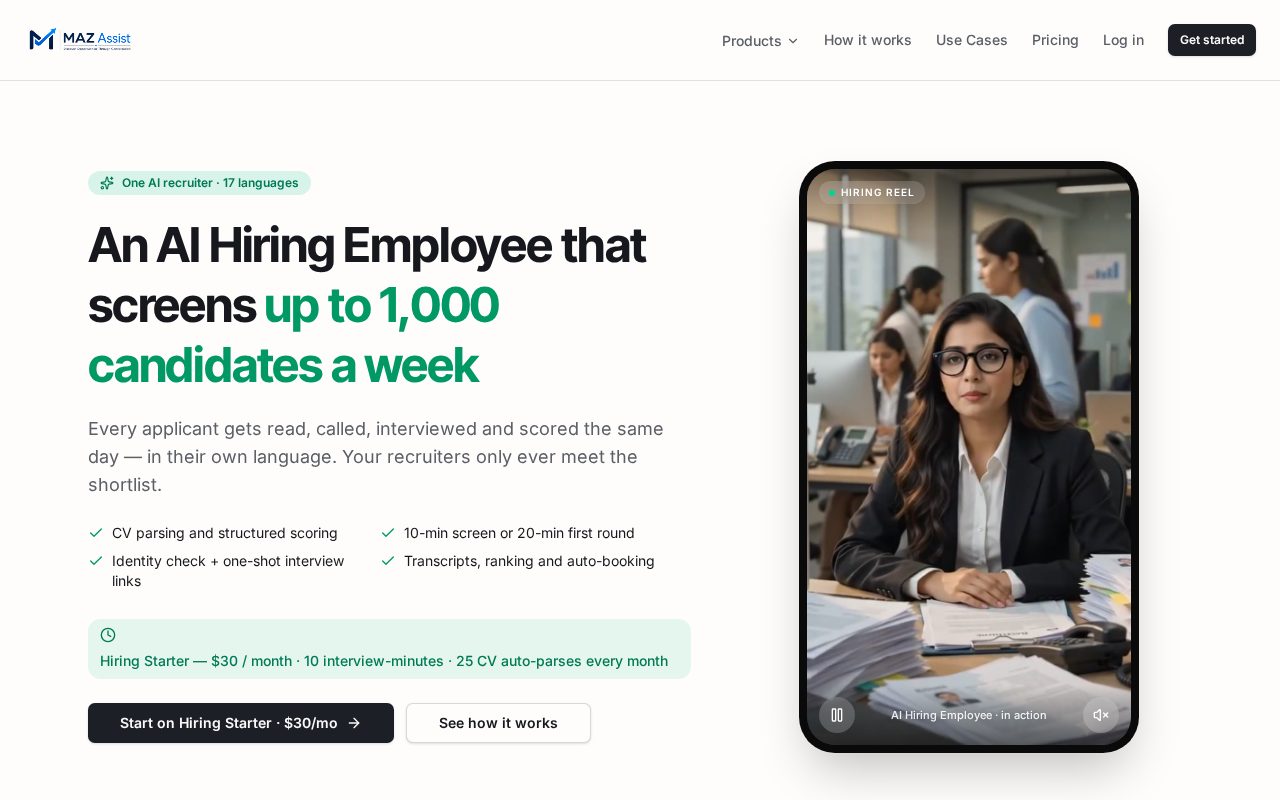
AI Hiring Employee
Careers-page embed, automatic job import, CV screening, one-time interview links and scored interviews you can listen back to.
Silent walkthrough · all narration appears as on-screen text · full written steps below.
- 1Sign up and open the AI Hiring Employee space.
- 2Complete your business onboarding the same way as the sales employee.
- 3Get your embed link and add it to your recruitment site or company careers page.
- 4The embed reads every live job on that site automatically — no re-typing.
- 5A candidate applies and CV screening starts against that job description.
- 6You hand-pick who is interviewed, or let the AI shortlist automatically.
- 7The candidate is emailed an interview link — valid 48 hours, one time only. If it is started and stopped, it will not reopen.
- 8The interview runs on their smartphone: AI interviewer, live questions, recorded answers.
- 9You get an instant email with the detailed AI analysis and per-answer scoring.
- 10The full interview — candidate voice, transcript and score — sits in your dashboard.
Ready to put one to work?
Set up in an afternoon. No developer needed for either employee.