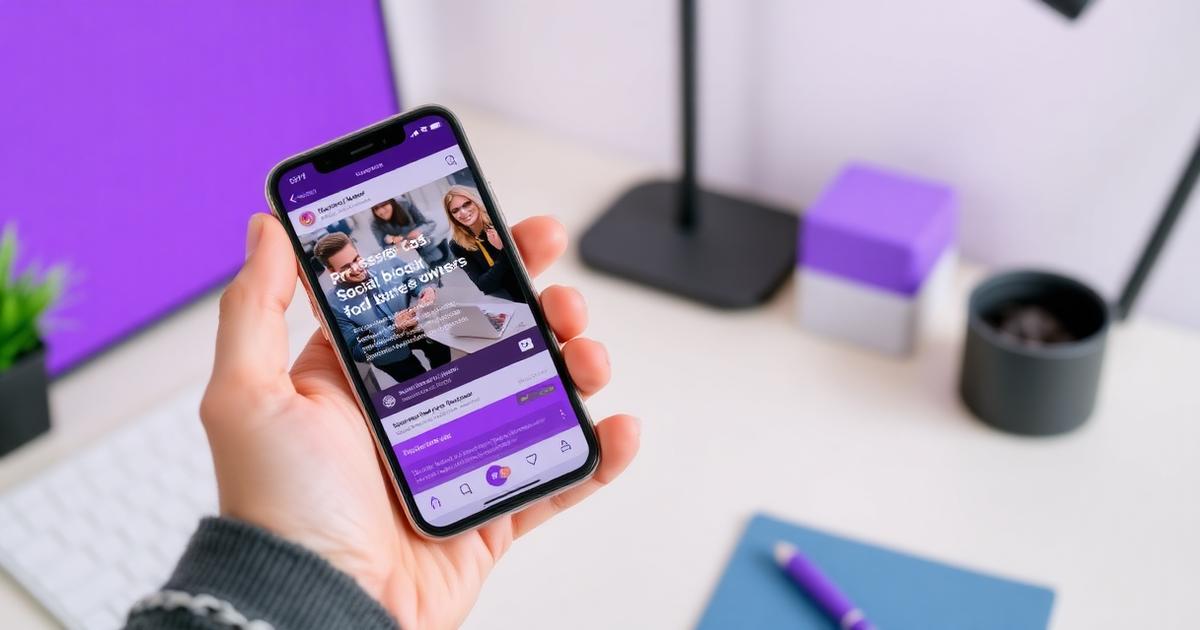
MAZ Community is built to feel like a LinkedIn feed that only contains people who can actually send you business. Here's how each part works.
The feed
Post text and images, react (like, love, celebrate, support, insightful), comment, and reply in threads. Posts load with infinite scroll and are scoped strictly to your city Chapter. Posting unlocks once your profile is complete — photo included.
Direct messages
You can start a conversation with any member in your city. The messenger has search across names, companies and message text, plus an unread filter so nothing gets buried. New messages arrive in real time.
Notifications you control
In notification settings you decide, event by event, what reaches you in-app and what reaches your inbox: reactions, comments, replies and direct messages.
On mobile
Every surface — dashboard, feed, messenger, profile — is built mobile-first, so you can reply to a referral from your phone between appointments.
Reporting
Any post or comment can be reported; moderators review flagged content and every decision is recorded in an audit trail.
Ready to try it? Create your free account or browse MAZ Community first.