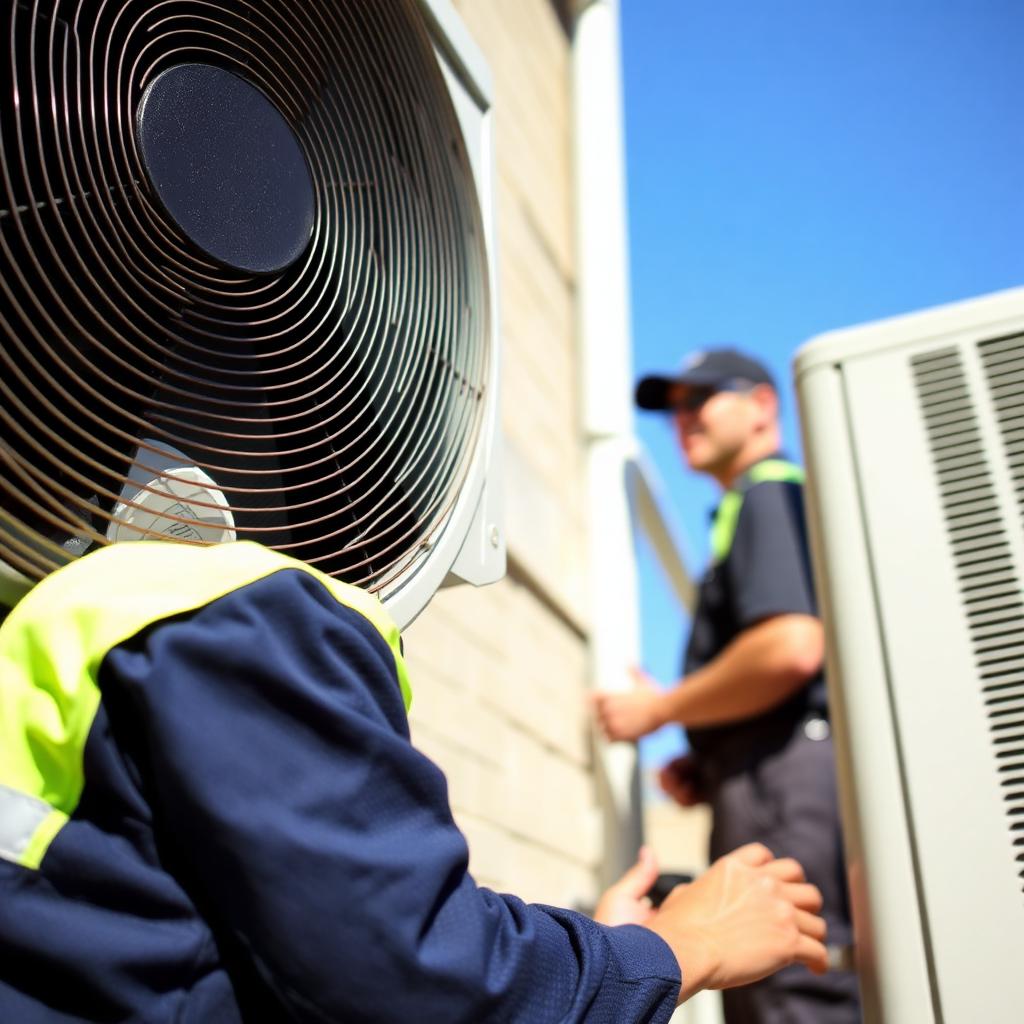
Most HVAC shops lose jobs in the first twenty seconds of a call. Not on price — on wording. A dispatcher who opens with "how can I help you?" gets a rambling story. A dispatcher who opens with a triage question gets an address, a severity level, and a booked truck roll. Below is the exact HVAC dispatcher script we load into AI voice assistants for home-services clients, plus how it changes after hours and during a heatwave.
The 6-line emergency HVAC dispatcher script
- Open with the brand and a triage question. "Thanks for calling Northside Heating and Air — is your system completely down right now, or still running but not keeping up?"
- Qualify the risk. "Is anyone in the home elderly, an infant, or on medical equipment?" This is the line that decides tonight versus tomorrow morning.
- Capture the unit basics. "About how old is the system, and is it heating or cooling that's failing?"
- Lock the address and access details. Street, gate code, pets, and where the outdoor unit sits.
- Quote a window, never a time. "I can get a tech to you between 7 and 9 tonight — the diagnostic is $__, applied to the repair."
- Confirm the callback number and repeat it back. Wrong digits are the single biggest cause of lost emergency jobs.
The after-hours variant
After 6pm the goal changes from booking to sorting. The script should split callers into three buckets: true emergency (no heat below freezing, no cooling above 95°F, gas smell, water leak from the air handler), next-morning priority, and routine maintenance. Only the first bucket wakes the on-call tech. Everything else drops into the morning route with a confirmation text, which is why after-hours intake pays for itself even when nobody rolls a truck.
Gas smell is the one exception to every script: the assistant should immediately instruct the caller to leave the home and call the gas utility, then log the ticket. Never schedule around a suspected leak.
Peak-season lead qualification
During a heatwave your phones will do a week's volume in a day, and the constraint is truck hours, not leads. The script has to protect the schedule:
- Ask whether the caller is an existing maintenance-plan customer first — plan members get the next slot.
- Offer a same-day slot only after the emergency questions are answered, never as an opener.
- Pitch the maintenance plan on every non-emergency call. Peak season is when the offer converts.
- Capture replacement-intent signals ("the unit is 16 years old", "second repair this summer") and tag those leads for the comfort advisor.
Why an AI voice assistant runs this script better than a shared cell phone
The script is not the hard part — running it identically on the 40th call of the day at 11pm is. An AI voice assistant answers on the first ring, never skips the medical-risk question, spells the address back, and drops a structured ticket into your dispatch board with severity, unit age, and access notes already filled in. Your on-call tech gets a callback ticket in a browser dialer instead of a voicemail to decode at 6am.
It also runs the same script in Spanish, Hindi, Arabic, or Urdu without a second hire, which matters if your service area is bilingual.
What to measure after you deploy it
Track answer rate, first-call booking rate, and the share of after-hours calls that convert into next-day appointments. Shops moving from roughly a 60% answer rate to near-total coverage typically see Google Business Profile calls climb sharply within a quarter, because the local pack rewards businesses that actually pick up.
Start with the six lines above, record a week of calls, and cut whatever the customers never answer. The best HVAC dispatcher script is the shortest one that still gets you an address, a severity, and a confirmed window.